Publish a roadmap your team will want to read
The Publish button creates a clean, read-only version of your roadmap with a progress summary, quarter timeline, workstreams and expandable activity details.
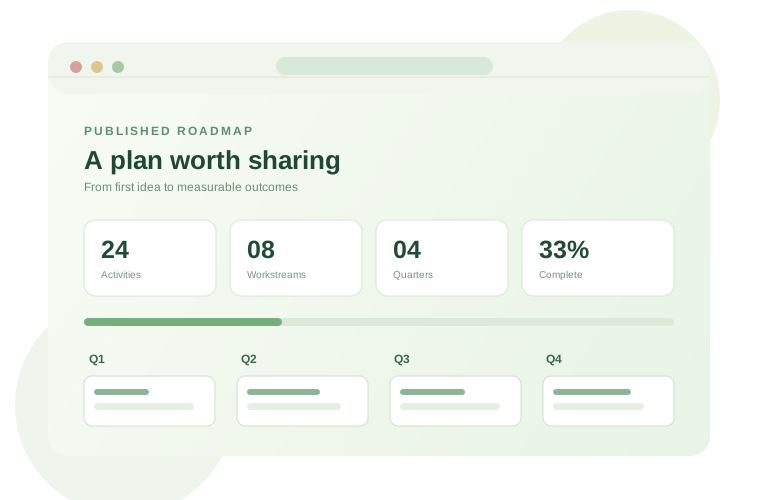
Publish in four steps
- Open the plan. Review titles, dates, dependencies and anything confidential before sharing.
- Click Publish. Choose whether to include activity descriptions and owner names. The client/workspace label and activity titles are included.
- Generate the published link. The app creates a self-contained snapshot URL. Select Copy published link or Open published view to preview it.
- Send the link. Recipients see a polished, read-only page. They can print it or save an independent editable copy.
Publish vs Share link vs Copy plan link
| Action | What opens | Who can use it? |
|---|---|---|
| Copy plan link | Your editable browser-local plan | Only a browser that already has that local plan |
| Share snapshot | A read-only snapshot inside the editor | Anyone with the link |
| Publish | A polished presentation-ready snapshot page | Anyone with the link |
Privacy: Published links embed the included plan data in the URL. They are not password-protected, revocable, private or indexed publications. Anyone who receives or forwards the full link can read the data. Do not publish secrets, personal details or sensitive client information.
What happens when I make changes?
The original editable plan stays in your browser. A published link does not change when you edit the plan. Select Publish again to create an updated snapshot and share the new link. The old link remains usable by anyone who has it.
Can I get a short permanent link?
Not yet. This version runs on GitHub Pages without a roadmap database or publishing API. A server-backed service would be needed for short links, live updates, access controls, revocation and cross-device editing. Very large roadmaps may exceed browser URL limits; export Markdown or CSV instead.