Build and edit a roadmap
Each roadmap is a grid. Workstreams are rows, quarters are columns and activities are the individual pieces of work. You can put several activities in a single cell.
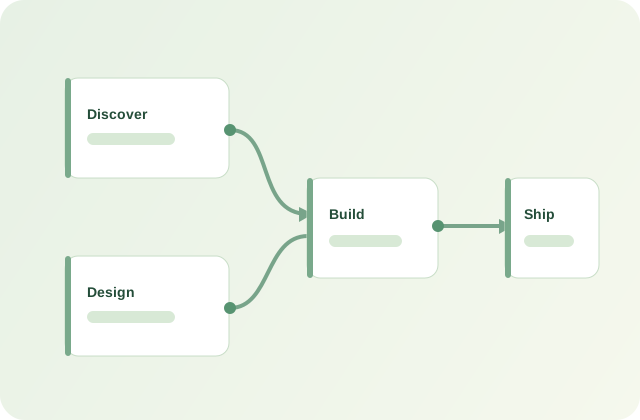
Start with an example
- Open Roadmaps. Select Choose an industry example.
- Choose a sector. Chemistry, energy, manufacturing and Power Platform starters are available.
- Create a copy. The example becomes a new editable plan; your existing roadmaps are retained.
Edit the timeline
Select Edit quarters & settings. Change the title, client/workspace label, start date, number of quarters (4–12) and each quarter's label. If you move the start date, activity dates shift by the same number of days. Shortening the plan must still leave room for all activities.
Manage workstreams
Open Workstreams in the sidebar to add, rename, recolour or reorder rows. You can have up to 20 workstreams. When removing a populated row, choose another workstream to receive its activities; dependencies and dates are preserved.
Create activities
Select + Add activity or the add button inside a roadmap cell. Enter the activity name, dates, workstream, owner, description and status. Click a card to update it later. On the grid you can drag activities between quarters or workstreams.
Connect prerequisites
In an activity, use Depends on to select predecessor activities. Links can cross workstreams. The app prevents self-dependencies and circular chains. An activity cannot move to In progress or Done while a prerequisite is unfinished. If dates overlap, you will see a warning so you can review the schedule.
Explore different views
Switch between Roadmap, Dependencies and Activities. Search and filter by status. The dependency view draws links between visible activities; selecting a card opens its editor.